How to Design UI/UX Using AI: Google Stitch & DESIGN.md


So till now, we have done 4 things: PRD, System Design, Database Design, and API Design. All PDFs I will keep at the end.
But now let’s move to the UI and UX part. That’s my favourite part. 😄
So coming to this part, UI/UX itself is a special task and skill.
So designers create wireframes, and the developers get that, and then we design.
So we will do UI/UX and then start coding.
Again, here, the design system matters. I mean, how our website will look. There should be some similarity, that’s why we need a proper design.
So to design, we will use Google Stitch.
What is Google Stitch?
Google Stitch is an AI-powered UI design tool from Google Labs that turns text prompts, sketches, or screenshots into responsive user interfaces and front-end code. It helps you build multi-screen mockups and design systems quickly without requiring advanced design skills.
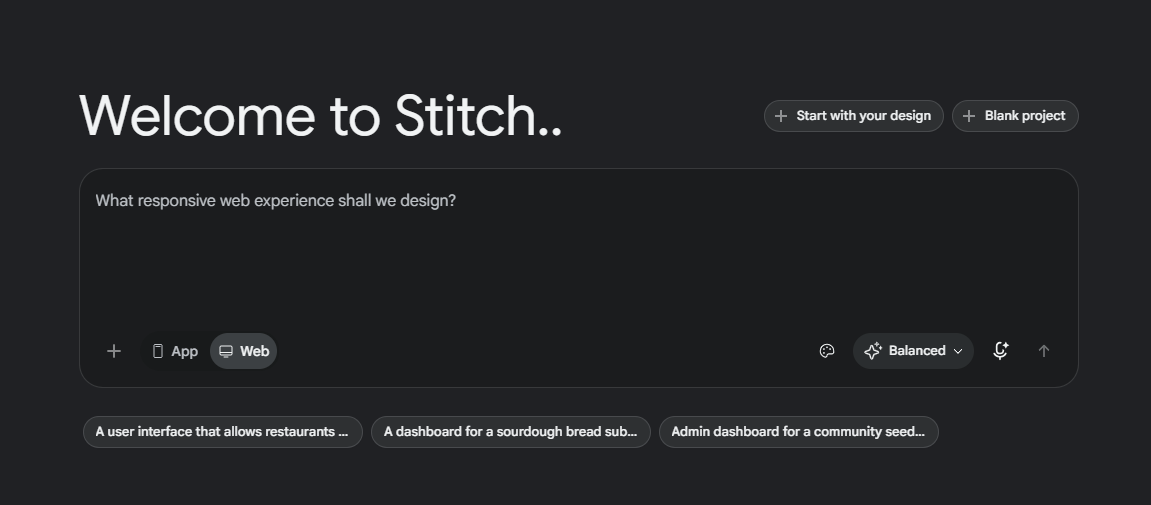
Earlier, people used Figma and did things manually. But here, see, AI solved the UI/UX person problem as well.
But here, we will learn how to do this design, because we should have knowledge before doing it properly and designing it properly.
We need to properly give the context.
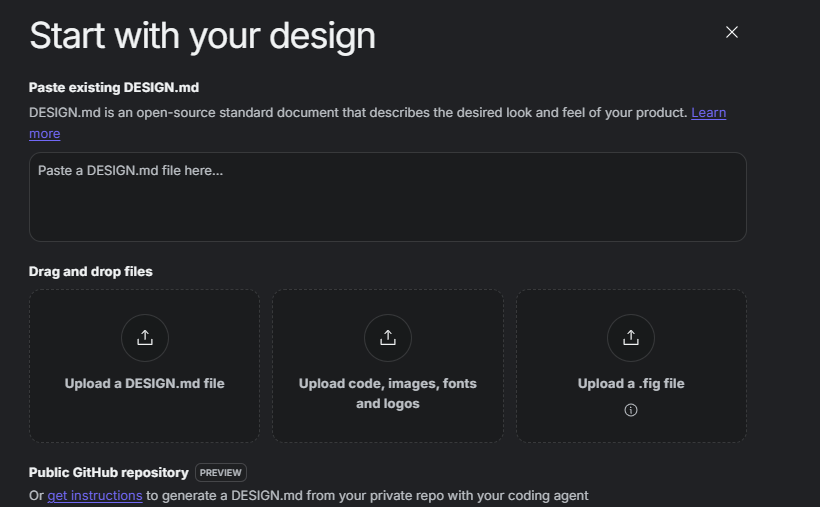
In the above screen, you can see “Start with your design” option. Here you can refer to our design as well. You can refer to your DESIGN.md file below.
What is DESIGN.md file?
DESIGN.md file is a simple text cheat sheet that tells AI tools and coding assistants how your app or website should look.
Think of it like hiring a new designer and handing them a one-page rulebook before they start. Instead of guessing your style, the AI reads this file to know your exact colors, fonts, spacing rules, and design choices.
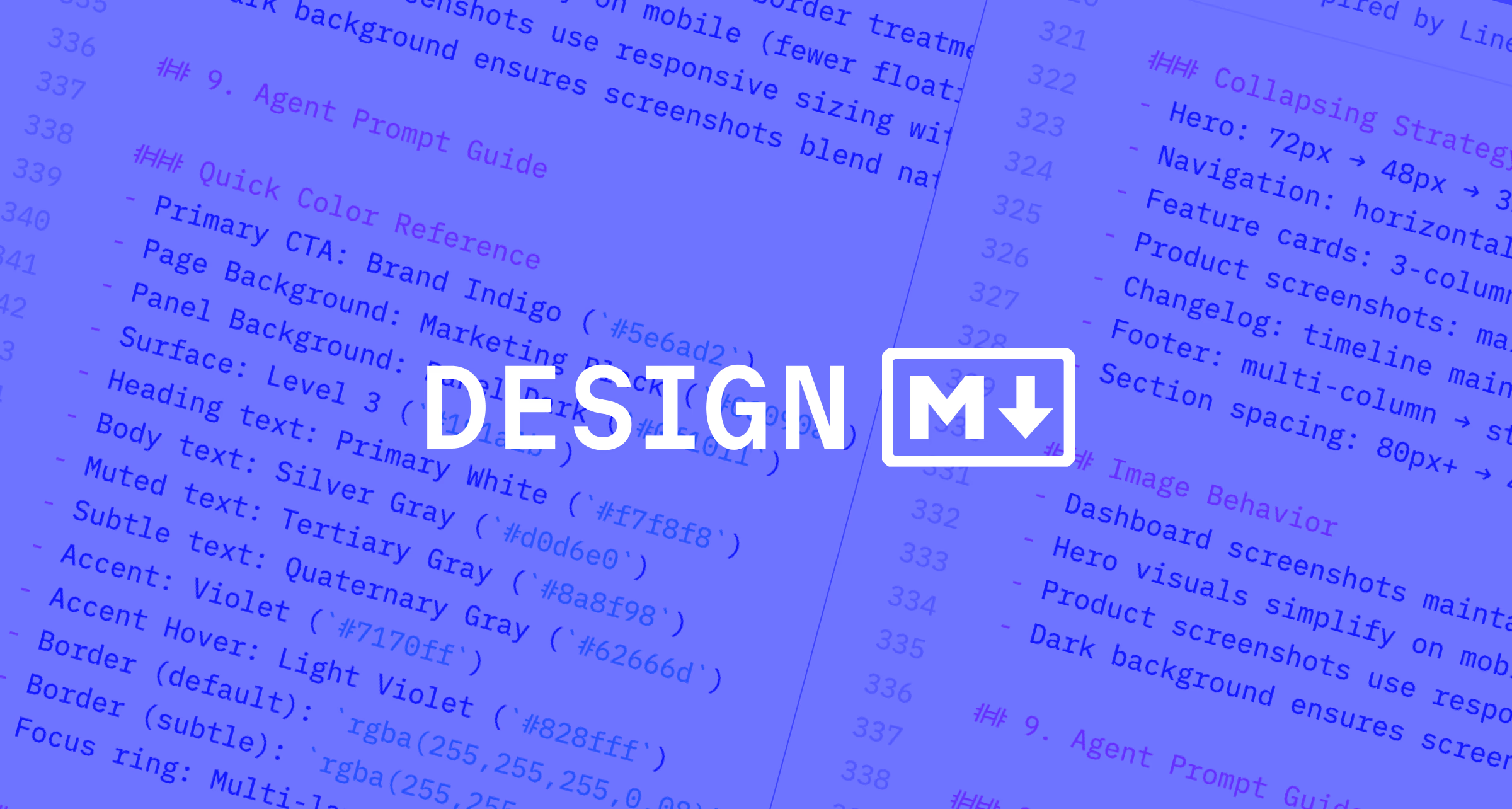
You can also ask your AI assistant, I mean ChatGPT, to give you some examples of design or references or an MD file. If you want a specific reference for design, you can put that in Google Stitch.
Start with your design
So here, what we said earlier, repeating: we need to properly build ourselves before doing the actual thing. Understand your product and decide how your website should look like.
And before building proper wireframes, you can put input into Stitch so that the design will look more good.
So learn about MD files and other websites that fall into your category only, so that will help you more.
And ChatGPT also can give screenshots. Let me build a landing page with ChatGPT. Let’s see how that provides us.
So I have given full free hand to ChatGPT to give me a screen of how the landing page will look like. See the output below.
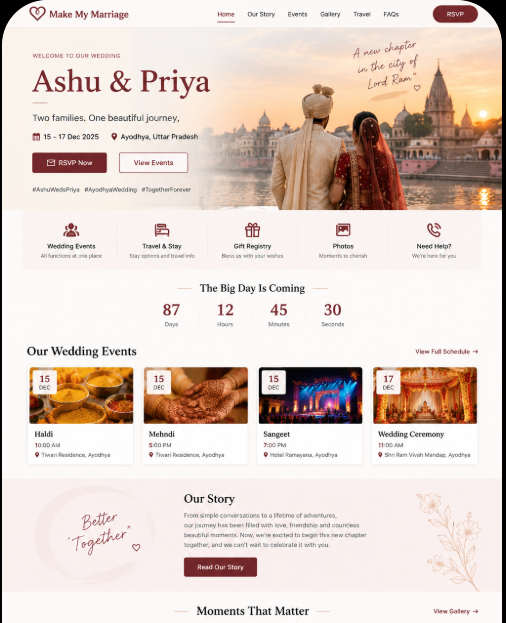
So actually, we need two types of pages as of now.
The landing page, like a SaaS product, where we provide this and that and one dedicated page for a wedding where people can do something, login and all. Got it?
Above UI, you can see the landing page of a SaaS product developed by ChatGPT, and below, a dedicated page for our one wedding page.
Below you can see, this is developed by ChatGPT. Now you can tweak colors and all, come up with your design, how that will look like.
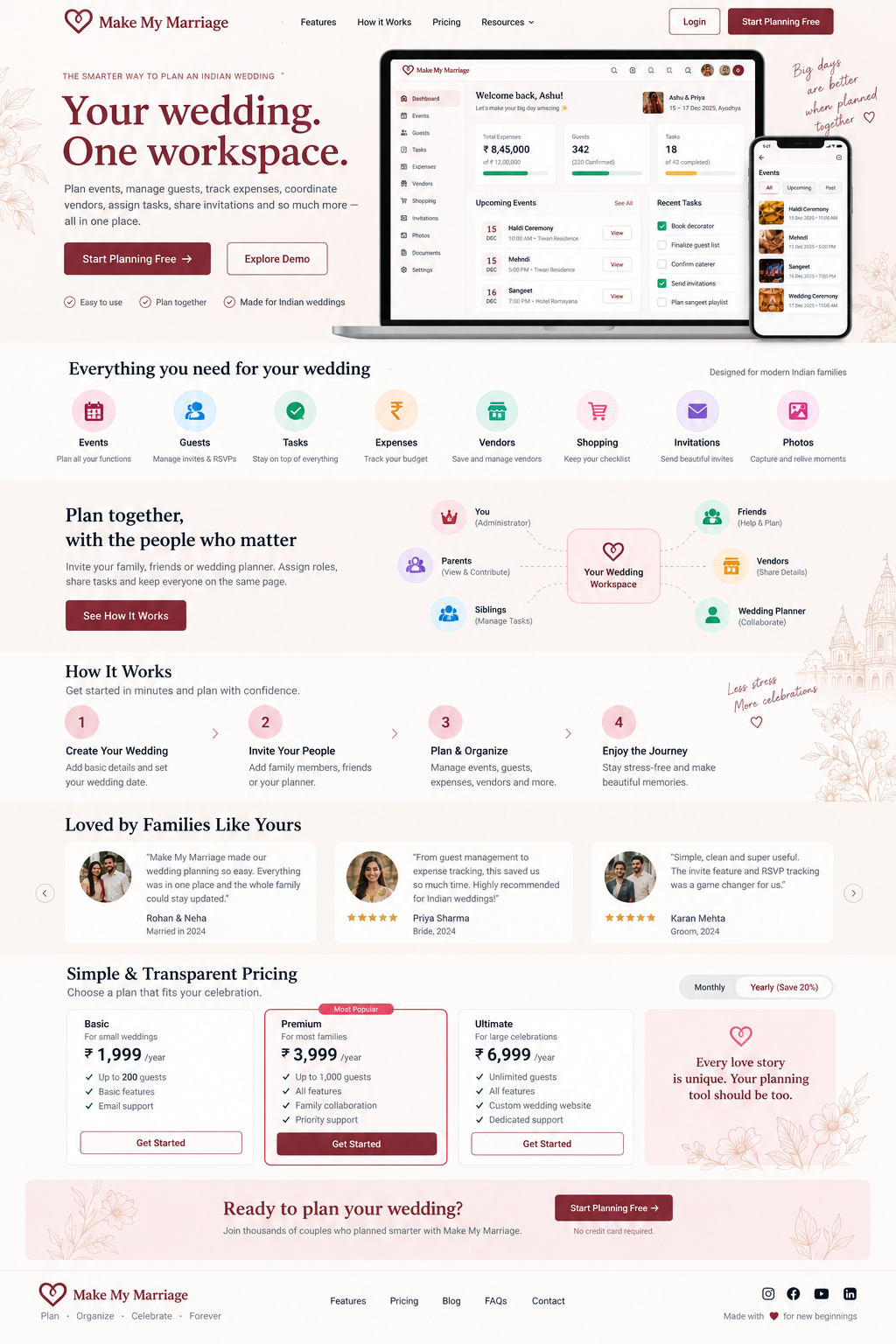
Now, as I said in the last para, you can check colors and change the theme. Ask ChatGPT to write a prompt, and with color codes and taglines, you can change the tagline as well.
So everything you prepare before developing the actual wireframe from Stitch.
But believe me, I love ChatGPT designs as well. 😄
But we are learning a Figma-kind-of tool, so let’s focus there.
You can also ask ChatGPT to ask you som
So I have prepared a prompt for Stitch and provided it to Stitch. Below, I am pasting the link that you can see the design from, and I have attached the screenshot of how thin
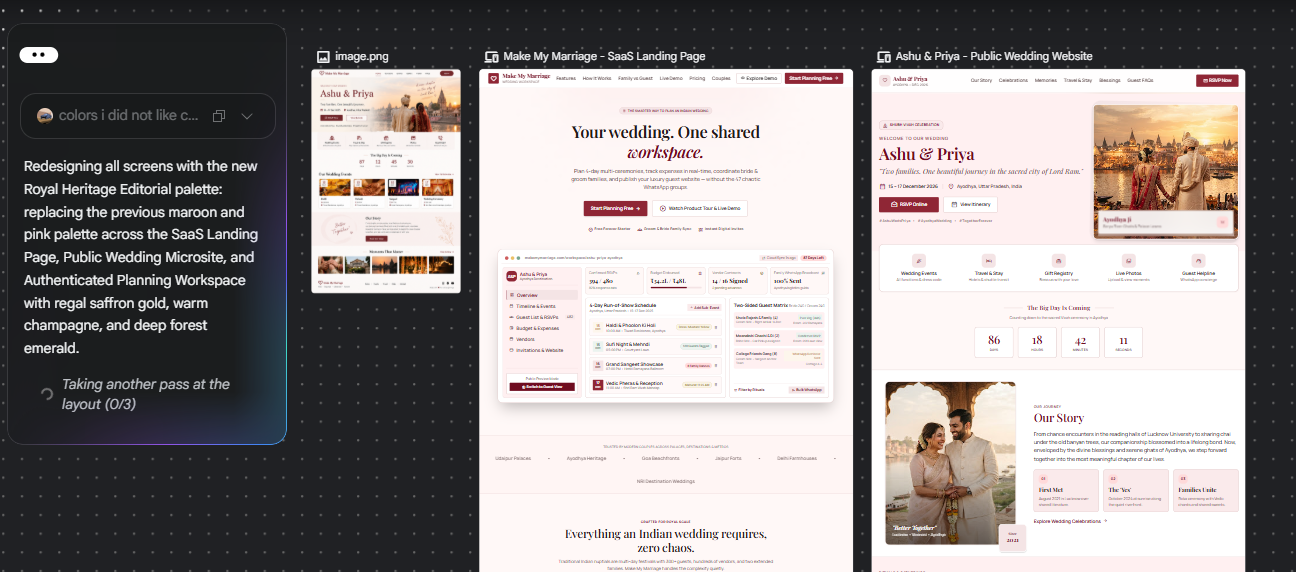
here is the devloped stich url
Now it’s on you what you want and what you want to offer.
You got the tool and the way, so why not play and do whatever you feel and want to change?
Now we will meet in the next one, where we might start asking AI to write code.
Ref:
Make My Marriage System Design
Want me to write notes on a course?
Tell me the course, book, or research topic you want covered. If it helps learners, I'll consider adding structured digital notes for it in the garden.
Have a notes collection to feature here?
Do you have open notes you want featured in this digital garden? Let me know — we can collaborate and publish them for learners worldwide.
Having a doubt? Ask a query?